Node types
Everything on a board is a node. There are 16 kinds. Most are things you found (articles, posts, documents, media), some are things you assert (events, assessments, notes), and three are entities (actors, organizations, narratives) that exist independently of the canvas and can be placed on it.
Every node shares a common core - title, tags, colour, a content timestamp (when the thing happened, with precision), lock and collapse state - on top of its own fields.
| Type | Shortcut | What it's for | Automatic |
|---|---|---|---|
| Note | Shift+N | Your own text, Markdown | Find a header image |
| Event | Shift+E | Something that happened at a time and place | Map preview, source previews, timeline |
| Assessment | Shift+P | A claim about the future to track | — |
| Blockchain | Shift+K | A wallet address or a transaction on a chain | Balance, tokens, activity; parsed transfers |
| Identifier | Shift+I | A domain, IP address, email, phone number, username or URL | Facts saved from pivots |
| Actor | via entity panel | A person, handle, source or outlet | Wikipedia profile |
| Organization | via entity panel | Company, agency, NGO, party, group | Wikipedia profile |
| Location | Shift+L | A place with coordinates | Geocoding, map preview |
| Document | Shift+D | A file: PDF, spreadsheet, email… | — |
| Media | Shift+M | Image or video | Stored locally; OCR and analysis PRO |
| Embed | Shift+B | A web page or video link with preview | OpenGraph preview |
| Social Post | Shift+S | A post from X, Reddit, Bluesky or YouTube | Post fetched, media archived |
| News Article | Shift+W | An article by URL | Scraped, summarized |
| RSS Feed | Shift+R | A subscription that keeps producing nodes | Polled on a schedule |
| Narrative | via entity panel | A storyline grouping nodes | AI summary |
| Region | Shift+G | A coloured box for visual grouping | — |
All of these can also be created by the assistant, except Region and (for the file itself) Document. See Creating nodes for the paste and quick-action routes and Enrichment for what runs in the background.
Note
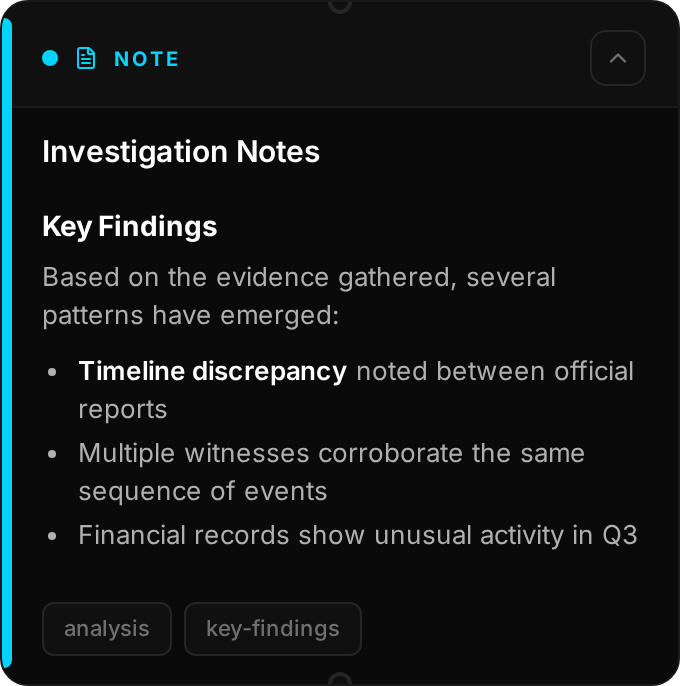
Free text. The body is Markdown (headings, lists, emphasis, links, code) rendered on the card, with a plain-text option. Notes are where your analysis lives: the paragraph that ties three articles together, the working hypothesis, the to-do list for tomorrow.
Fields: text, format (Markdown / plain), header image, AI summary.
Extras: Find a relevant image using AI in the details panel searches the web for a header
image based on the note's content. Notes are what the assistant's create_note tool produces
when you ask it to write something up.
Event

Something that happened. Events are the spine of a chronological investigation and the primary input to the timeline.
Fields: description, event date, time and timezone, duration, significance (low / medium / high / critical), location name and coordinates, sources (URLs, each fetched for a title/description/image preview), header image.
Automatic: if the event has coordinates a small OpenStreetMap preview is rendered on the card (Refresh map in the editor redraws it). Source URLs get link previews.
Assessment
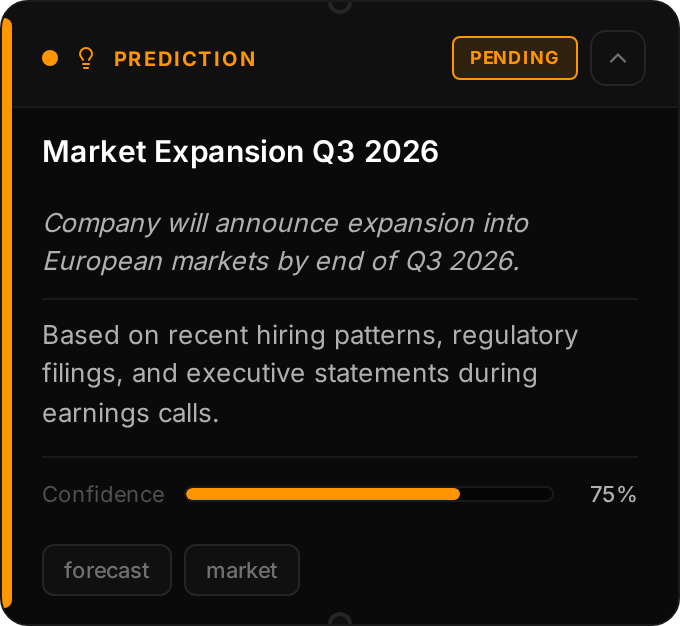
An analytical judgement with a stated confidence: a hypothesis about what happened or a falsifiable claim about what will happen, so you can keep score. Assessments make analytical judgement explicit and reviewable.
Fields: the judgement, reasoning, timeframe (start, end, description), header image. On the node itself: status (pending / confirmed / denied / partially confirmed), confidence, and the date it was resolved.
Resolving: open the editor and set the status. Resolution is manual; nothing changes the status for you. Connect Confirms / Denies connections from later evidence to record why.
Blockchain
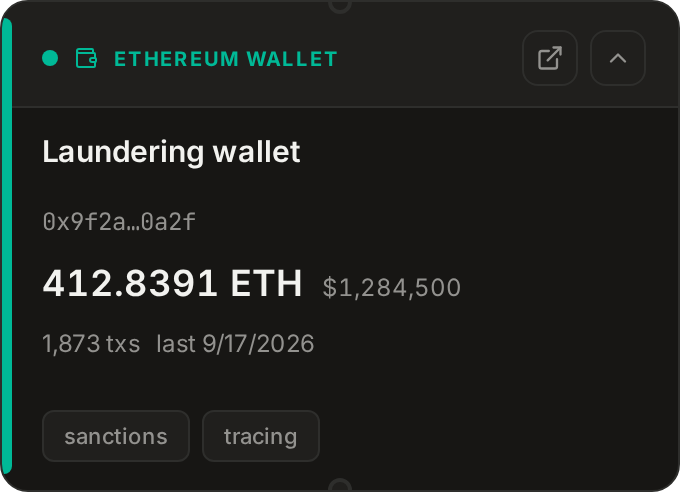
A cryptocurrency wallet address or a single transaction on a specific chain: Ethereum and other EVM networks (Base, Arbitrum, Optimism, Polygon, BSC, Avalanche and more), Solana, or Bitcoin. Paste an address, an ENS name, a transaction hash, a Bitcoin txid or a Solana signature into the editor and it picks wallet vs. transaction and the chain for you (choose the network by hand for EVM chains other than Ethereum), then Fetch on-chain data.
Wallet pulls the native balance (with USD where a price is available), token holdings, transaction count, first and last activity, and whether the address is a smart contract.
Transaction parses the transaction: status, time, block and confirmations, sender and recipient (or the contract created), value, fee and gas, the called method, and every decoded asset movement - native coin, ERC-20 / SPL tokens, NFTs and internal transfers, or inputs and outputs on Bitcoin. Connect a transaction to the wallet nodes on either side to build a flow-of-funds picture; use Sent to / Received from style connection labels.
The fetched data is stored with the node and timestamped, so it stays as evidence even if a balance later moves. Fields: kind, chain, address or hash, label, notes, fetched summary.
Keys: EVM chains need an Etherscan API key (one V2 key covers every chain) under
Settings → Integrations → Blockchain. Solana works without a key through the public RPC; a
Solscan key adds token names and USD values. Bitcoin needs nothing. The assistant's
wallet_lookup, wallet_transactions, transaction_lookup, create_wallet and
create_transaction tools use the same sources.
Identifier
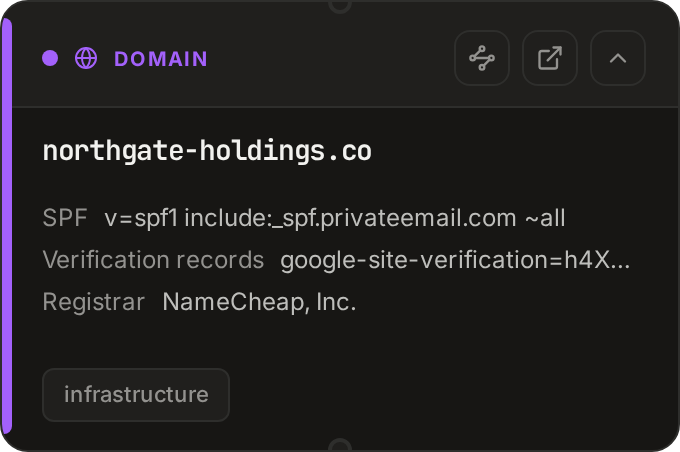
One piece of contact or infrastructure data: a domain, IP address, email, phone number, @username or URL. Paste the value into the editor and it picks the kind for you. Identifiers are what you pivot on: right-click one (or any node that mentions one) and choose Pivot… to look up its WHOIS record, DNS, owner, mail servers, number details and more, then add what the lookup found as linked nodes.
The facts each lookup returns are saved on the node with their source and date, so a later change (a domain moving host, a registrar transfer) doesn't overwrite what you saw. The board never holds the same identifier twice: pivots link to the node that is already there, which is how shared infrastructure shows up. Fields: kind, value, notes, lookups, provenance.
Actor

A person - or anything that acts like one. Actor types: person, persona, handle, anonymous, AI, unknown, plus the source-oriented source, journalist and outlet.
Fields: name, type, aliases, description, avatar, profile URL, platform and platform ID, verified flag, tags. Source-type actors add credibility (1-5), source type (primary / secondary / official / anonymous / leaked), verification status, outlet and beat.
Actors are entities: they live in the Case file's Actors column whether or not they are on the canvas, can be linked to the nodes that mention them, and can be members of organizations. Placing one on the canvas creates an Actor node that displays the entity.
Automatic: on creation a Wikipedia lookup runs and, if it finds a matching article, attaches the summary and thumbnail.
Organization
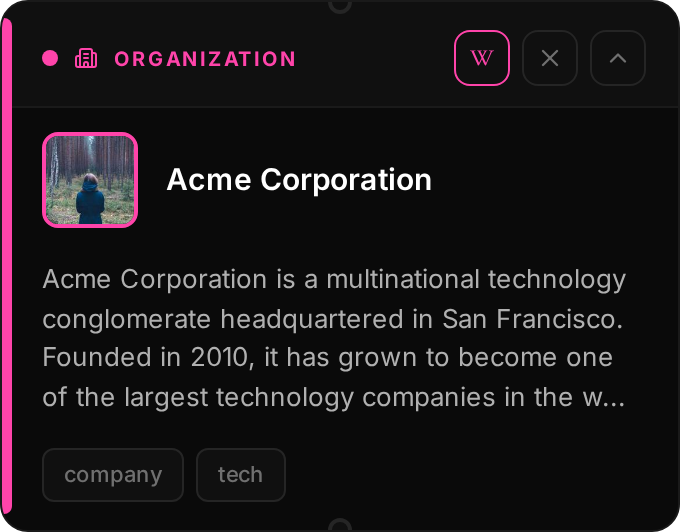
A group: company, government body, NGO, media outlet, political party, informal network or other.
Fields: name, type, aliases, description, logo, website, founded / dissolved dates, parent organization (for subsidiaries and chapters), tags. Memberships link actors to the organization with a role and dates.
Like actors, organizations are entities managed from the Case file and shown on the canvas as nodes. Automatic: Wikipedia profile enrichment on creation.
Location
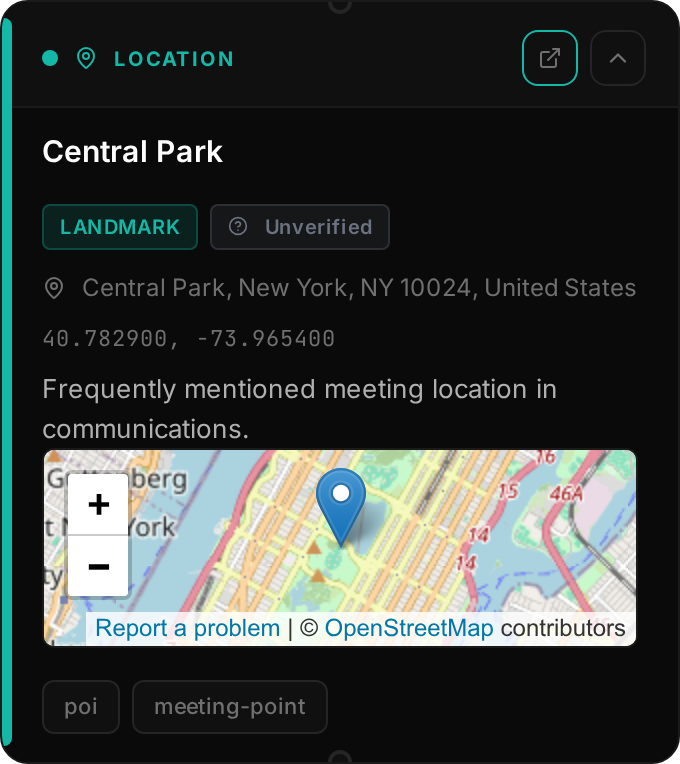
A place. Types: residence, business, incident, meeting, border crossing, landmark, other.
Fields: name, coordinates, address, country, type, verification method (satellite, street view, photo geotag, witness, document, unverified), notes, header image.
Creating: the quick-action form takes an address or place name and geocodes it with
OpenStreetMap's Nominatim; you can also type coordinates directly. The card shows a map preview
and an Open in OpenStreetMap link. The assistant's create_location and geocode_address
tools do the same.
Document
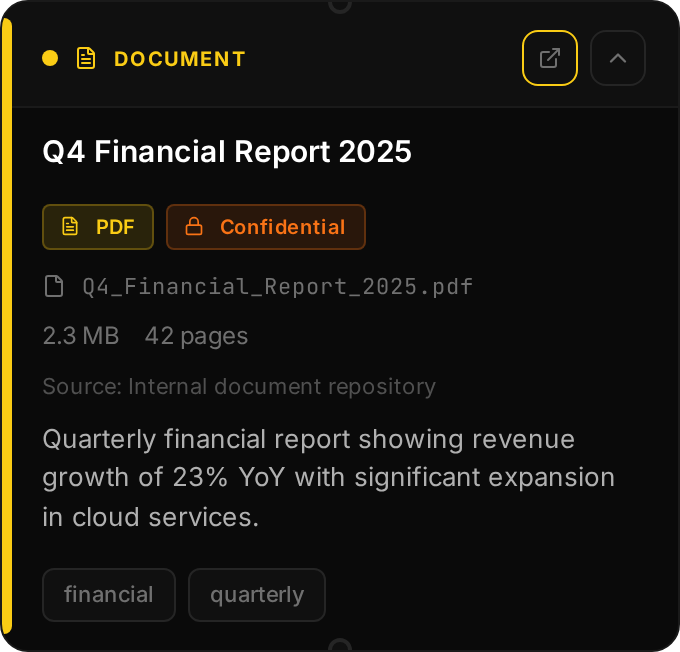
A file you hold: leaked PDF, spreadsheet, court filing, email export.
Fields: file name, file type (pdf, doc, docx, xls, xlsx, txt, email, image, other - inferred from the extension), size, classification (public / official / leaked / confidential / unclassified), date obtained, original source, summary, page count.
Creating: quick action → Document → Browse to pick the file (PDF, Word, Excel, text, RTF, ODT, CSV), set classification and a summary. The node references the file where it sits on your disk; Open document on the card opens it with your system's default application. Text is not extracted from documents yet - paste the relevant passages into the summary or a Note if you want the assistant to read them. The assistant can create a Document node as a placeholder reference but cannot attach a file; you do that in the editor.
Media
An image or video. Media nodes are the evidence locker: the screenshot before it was deleted, the photo whose metadata matters, the clip.
Fields: type (image / video), caption, alt text, original URL, duration, MIME type, plus the results of OCR and AI analysis.
Creating: paste an image or an image URL, use the quick action, or ask the assistant
(create_media works from a URL or from an image you attached to the chat). Images and videos
(mp4, webm, ogg, mov) are copied into the board's media folder so they survive the source
disappearing. Cards are resizable; click an image for a lightbox.
Analyze image PRO in the editor runs OCR to extract any text and asks the vision model to describe the image; both results are stored on the node and searchable.
Embed

A link with a preview. Use it for web pages that aren't articles, YouTube videos, and posts from platforms DeepState can't fetch natively.
Fields: URL, detected platform (X, YouTube, Reddit, Bluesky, Facebook, Instagram, Telegram, TikTok, Threads, or generic web page), the fetched preview (title, description, image, author), and a set of evidence fields: captured-at time, archived URL, screenshot, deleted flag, credibility (1-5 stars), verification status and notes.
Automatic: the OpenGraph / Twitter-card preview is fetched when the node is created or the URL changes; Refresh preview re-fetches. If you mark the source deleted, the card shows a DELETED overlay so the loss is visible at a glance. The preview is a card, not a live embedded player.
Social Post

A single post from X/Twitter, Reddit, Bluesky or YouTube, fetched and stored.
Fields: platform, post ID and URL, author (handle, display name, avatar, verified), text, published time, metrics (likes, reposts, replies, views…), attached media, hashtags, mentions, linked URLs, thread and quote relationships, subreddit and flair for Reddit, plus the same evidence fields as Embed (captured-at, archive URL, deleted flag, credibility, verification).
Creating: paste the post URL; the post is fetched immediately. Or Fetch post data from URL
in the editor, or the assistant's fetch_social_post / create_social tools. Automatic:
attached images and video are downloaded into the board's media folder (a media archive job);
if the post links to an article, that link is expanded. Which platforms need login and which work
anonymously is covered in Social media.
News Article
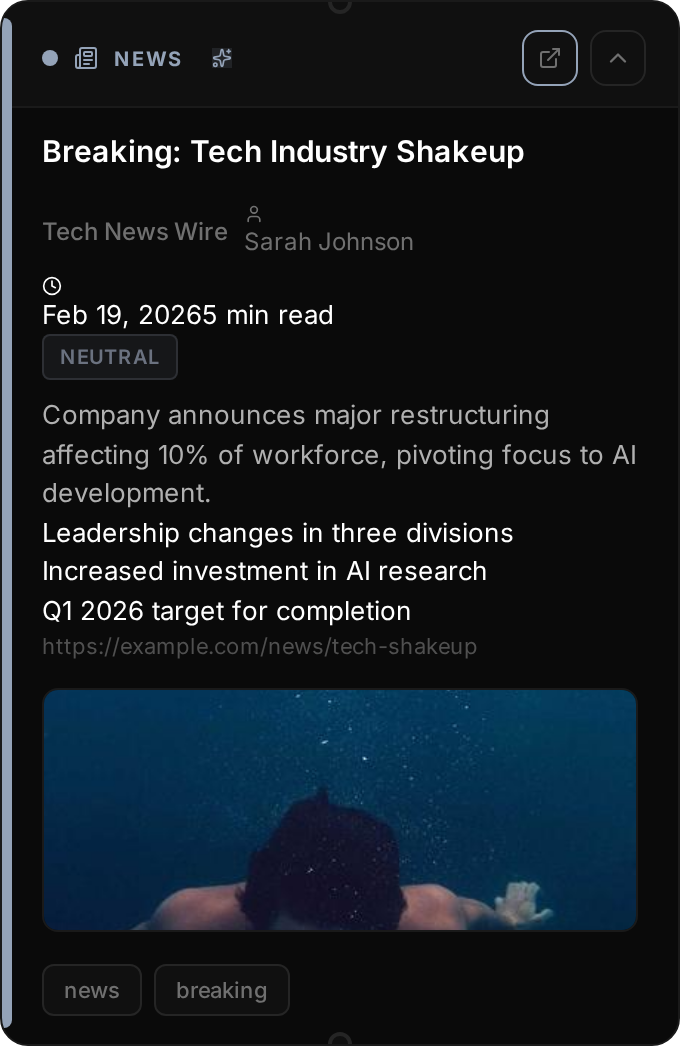
An article by URL, scraped into the board so you keep the text even if the page changes.
Fields: URL, the extracted article (title, author, published date, site, full text, word count, reading time, hero image), an AI summary (summary, key points, sentiment, topics), and the link preview.
Creating: paste any non-social URL, use the quick action, or the assistant's
create_newsfeed / fetch_and_create_newsfeed. Articles produced by an RSS feed are News
Article nodes too. Automatic: a preview is fetched at once, then a background job loads the
page in a hidden browser, extracts the readable article (falling back to an archived copy for
paywalled pages), and summarizes it with your summarizer model. Re-scrape article redoes it.
RSS Feed
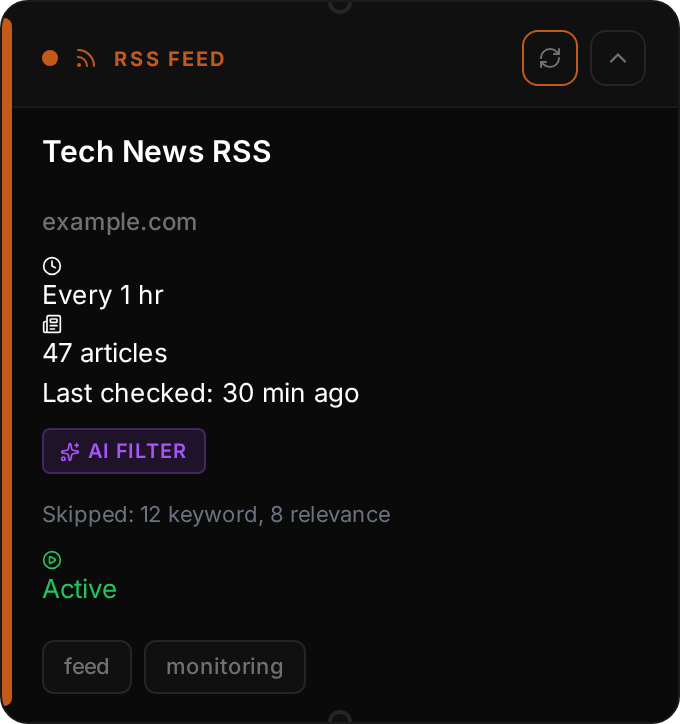
A subscription. Unlike every other node it produces nodes: each new item becomes a News Article (or a Social Post, for social feeds) connected to the feed.
Fields: feed URL and metadata, refresh interval (15 min to daily), enabled switch, initial item cap, keyword filters (include / exclude), optional AI relevance filter with threshold and custom prompt, article placement (spread, stack down, stack right), and statistics (fetched, filtered, failures).
Creating: quick action or Shift+R, then paste a feed URL - or a shortcut
like r/geopolitics, a YouTube @handle, or a Bluesky handle, which DeepState turns into the
right feed. The assistant's create_rssfeed tool is PRO.
Full details in RSS feeds.
Narrative
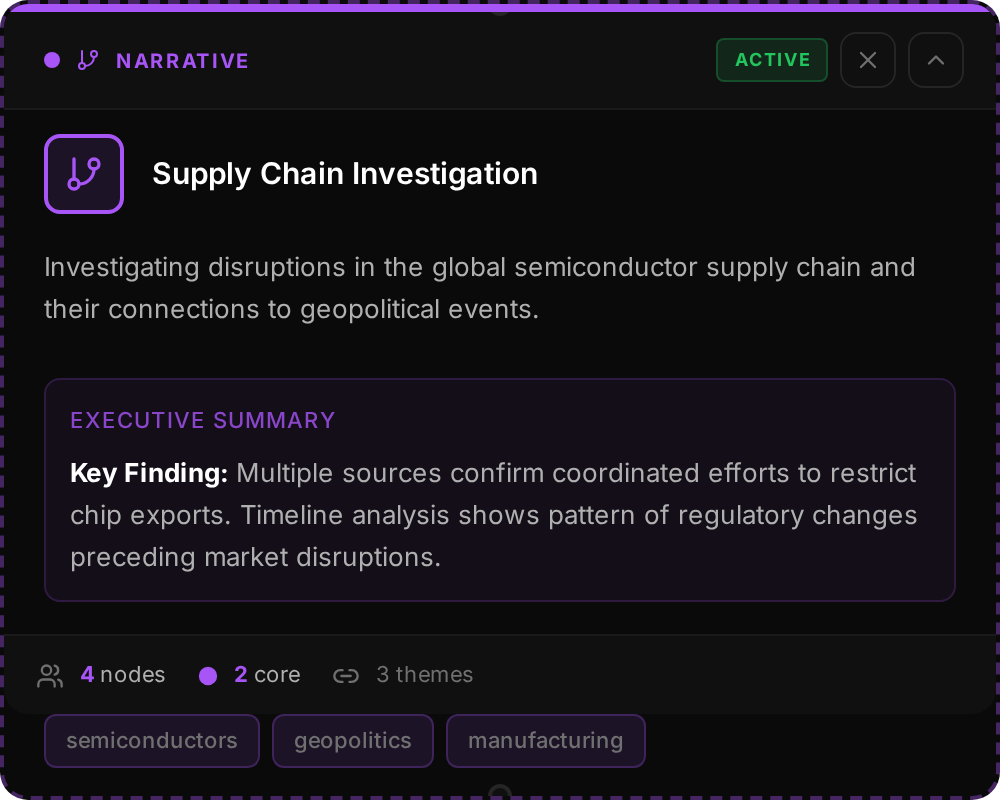
A storyline grouping other nodes, shown on the canvas as a card with status, up to eight members and key themes. Narratives are entities managed from the Case file; the node is a view of one. Everything about them is in Narratives.
Region
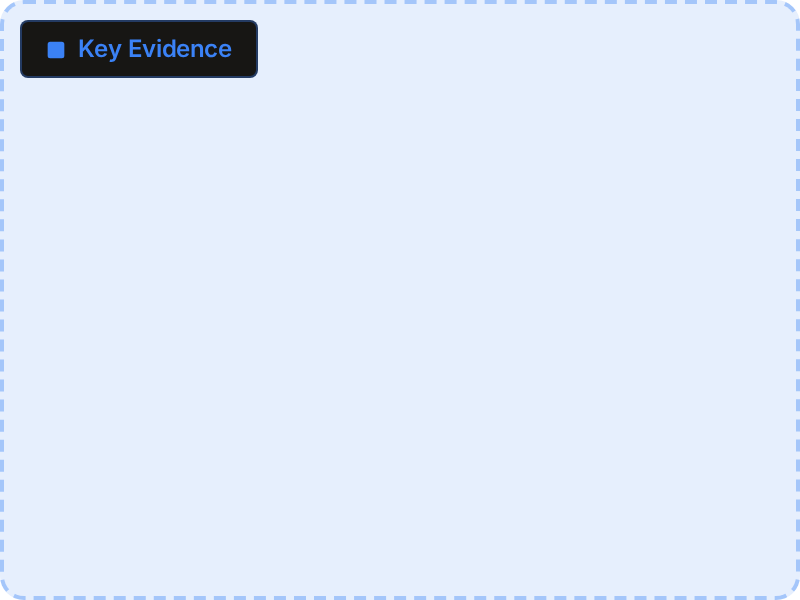
A coloured, resizable rectangle behind other nodes with an optional label. Purely visual grouping; carries no data and is invisible to the assistant. See Regions & auto-layout.